
Passes district network review
One dedicated domain over HTTPS. The simulation makes no requests to any other host: no CDNs, analytics, ad networks or third-party fonts.
Chromebookedu.kloudpixelstudios.comadstrackers
Kloud Pixel Education turns forces, motion and orbital mechanics into hands-on missions. Students predict, launch, measure and explain, right in a Chromebook browser.
Approved quickly by IT, set up in minutes by teachers, and loved by students. No logins to manage, no software to install and nothing to block.
One dedicated domain over HTTPS. The simulation makes no requests to any other host: no CDNs, analytics, ad networks or third-party fonts.
WebGL with scalable render quality, tuned for 4 GB school laptops.
Lessons are designed as practice opportunities for performance expectations in forces, interactions and orbital gravity.
All 36 lessons open with a narrated, animated introduction of about 70–90 seconds, with captions, pause, replay and skip.
Unlock lessons, scale gravity or air density, set assistance and time-warp limits, and lock settings with a classroom PIN.
Scrub back through any flight with charts, a data table, event markers and the student’s prediction band.
Standards-referenced attempt records as CSV, JSON or a printable page, with no personal data beyond a local alias.
Set the engine’s push and the rocket’s mass, make a prediction, then fire. This is the same idea as lesson T1-01, shrunk down for this page.
Compared with your last run, this rocket will accelerate…
Hover or tap a card to play it. Every clip is captured straight from Launchpad running in a browser.
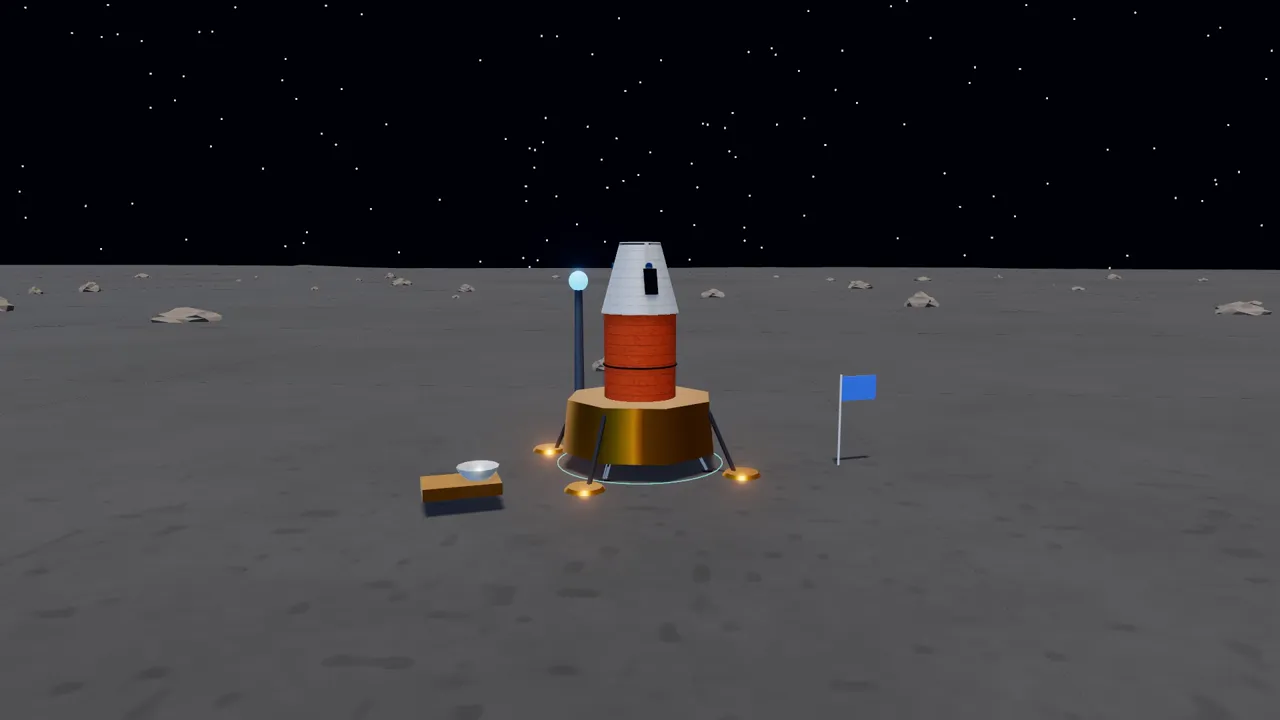 1.62 m/s²
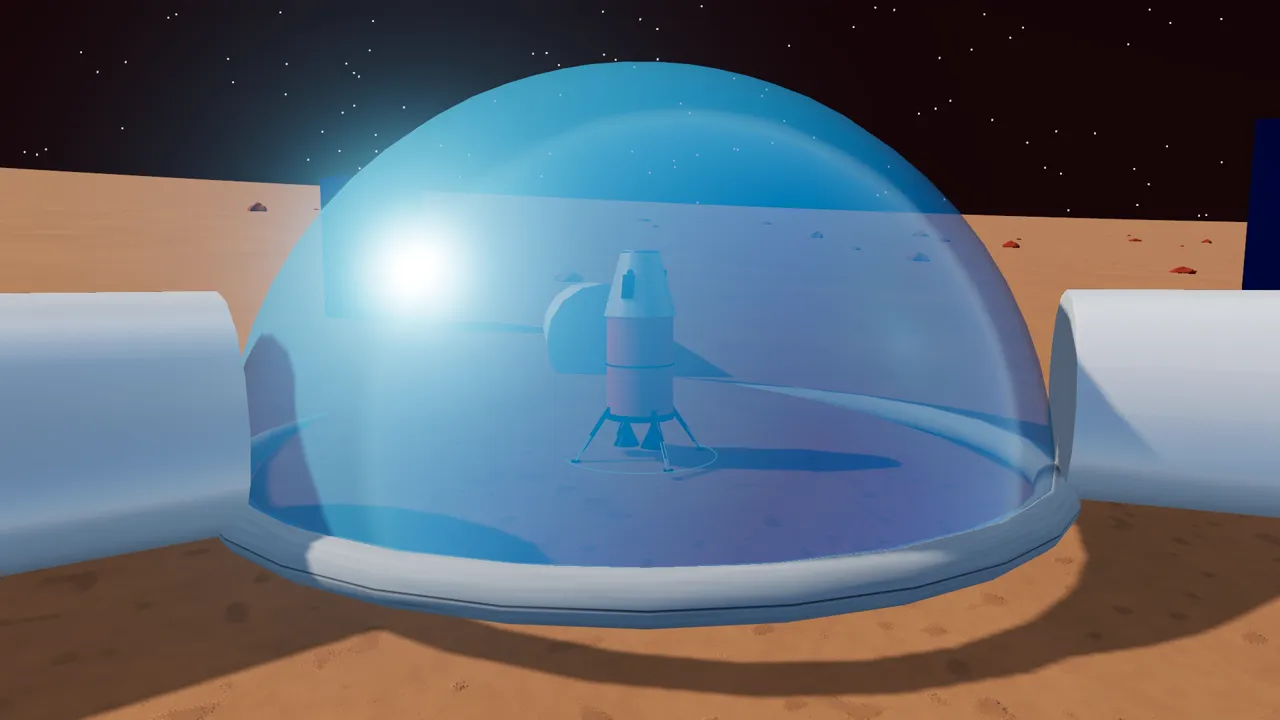 Red planet
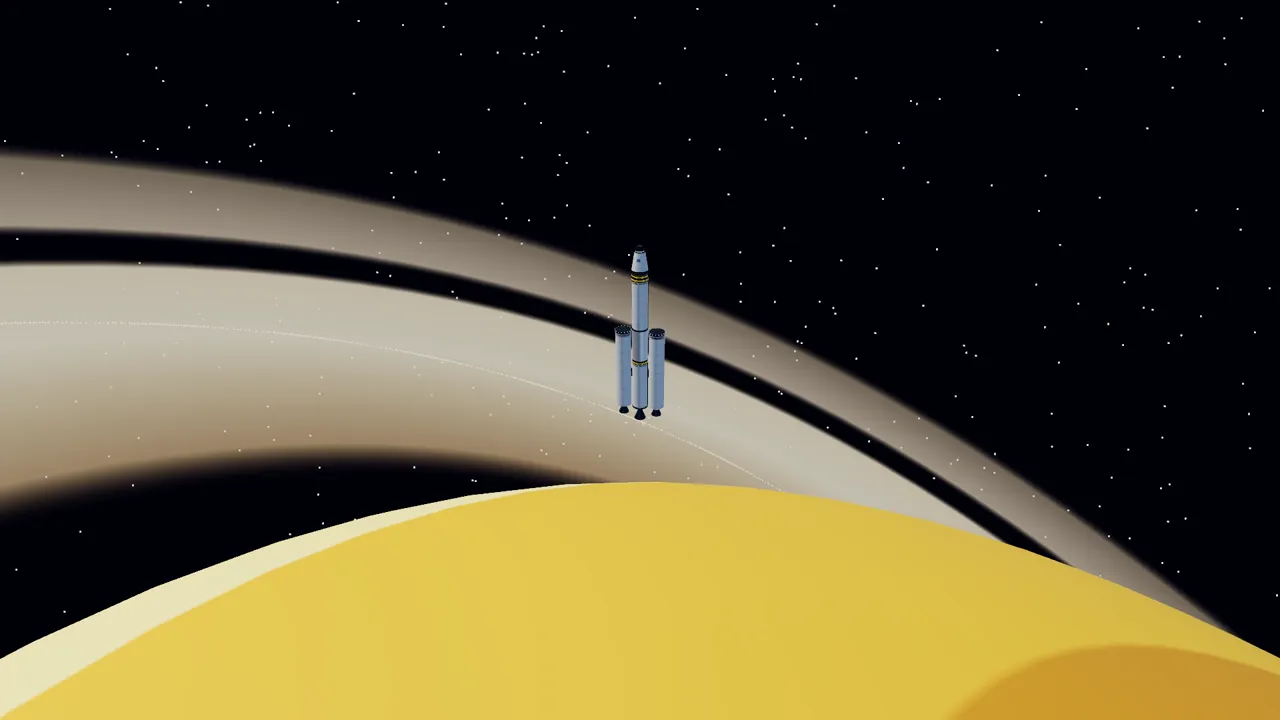 Gas giant
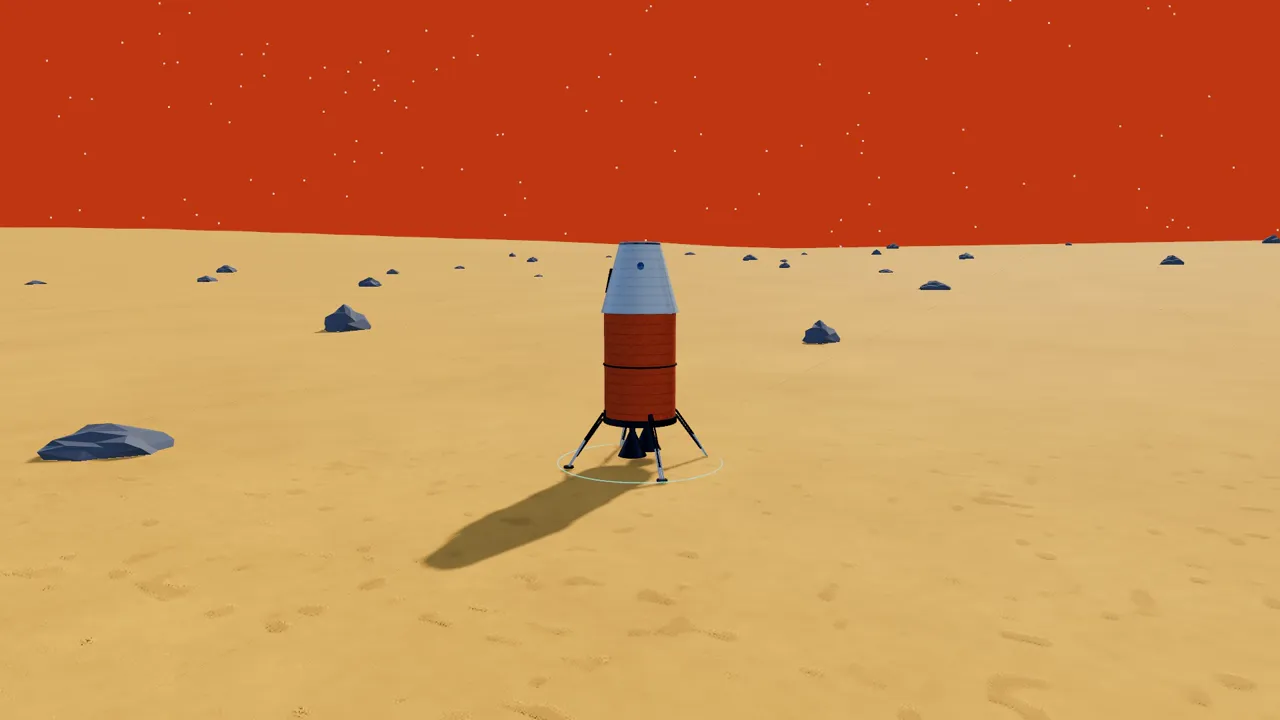 Thick air
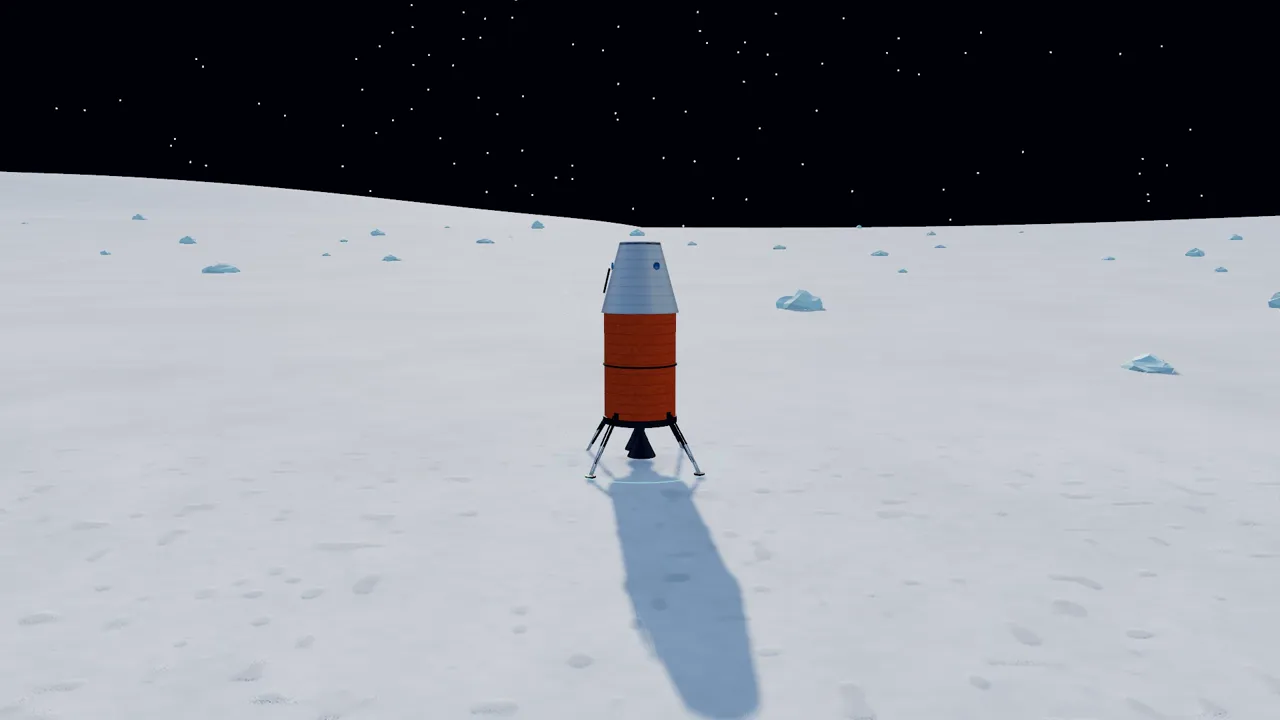 Low gravity
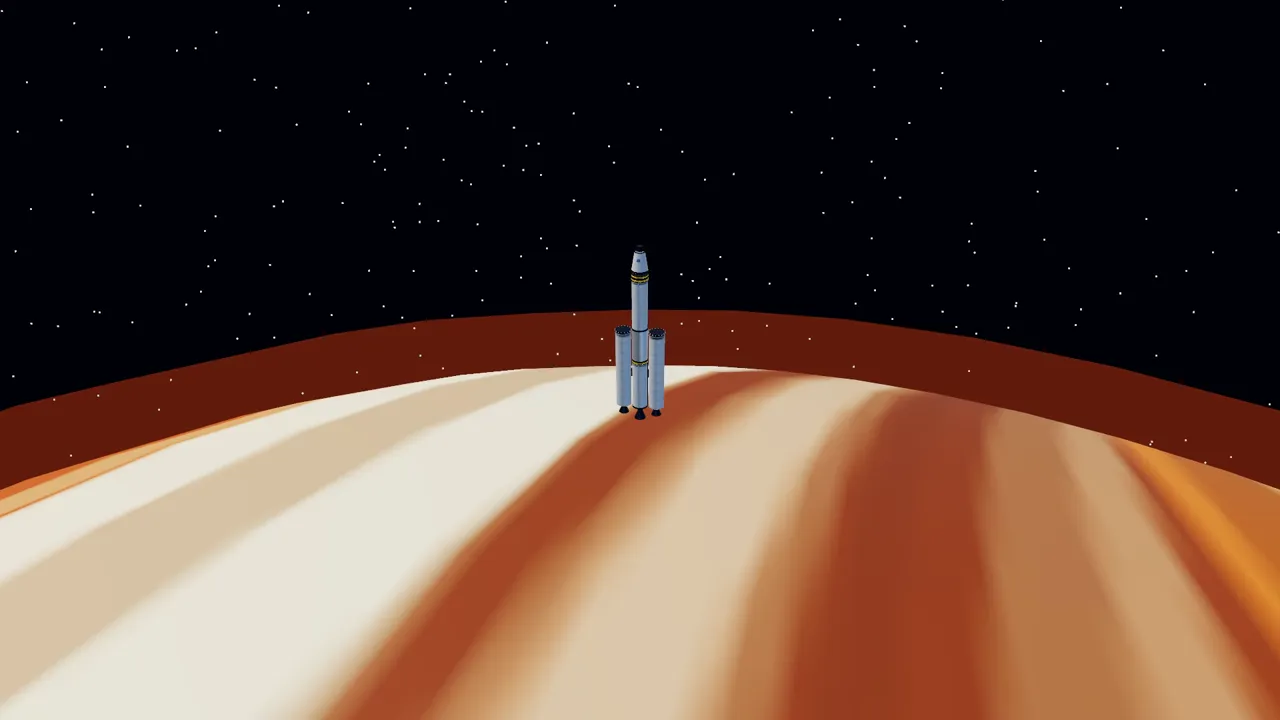 Deep gravity well
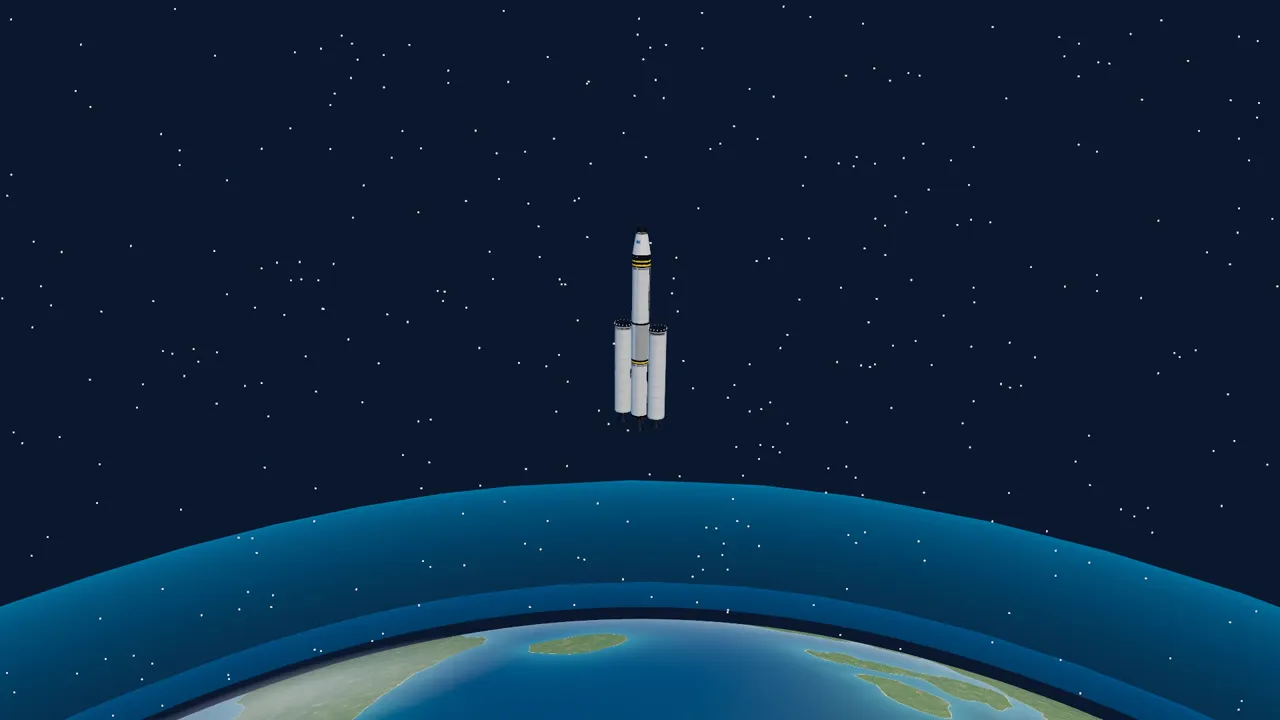 7.8 km/s
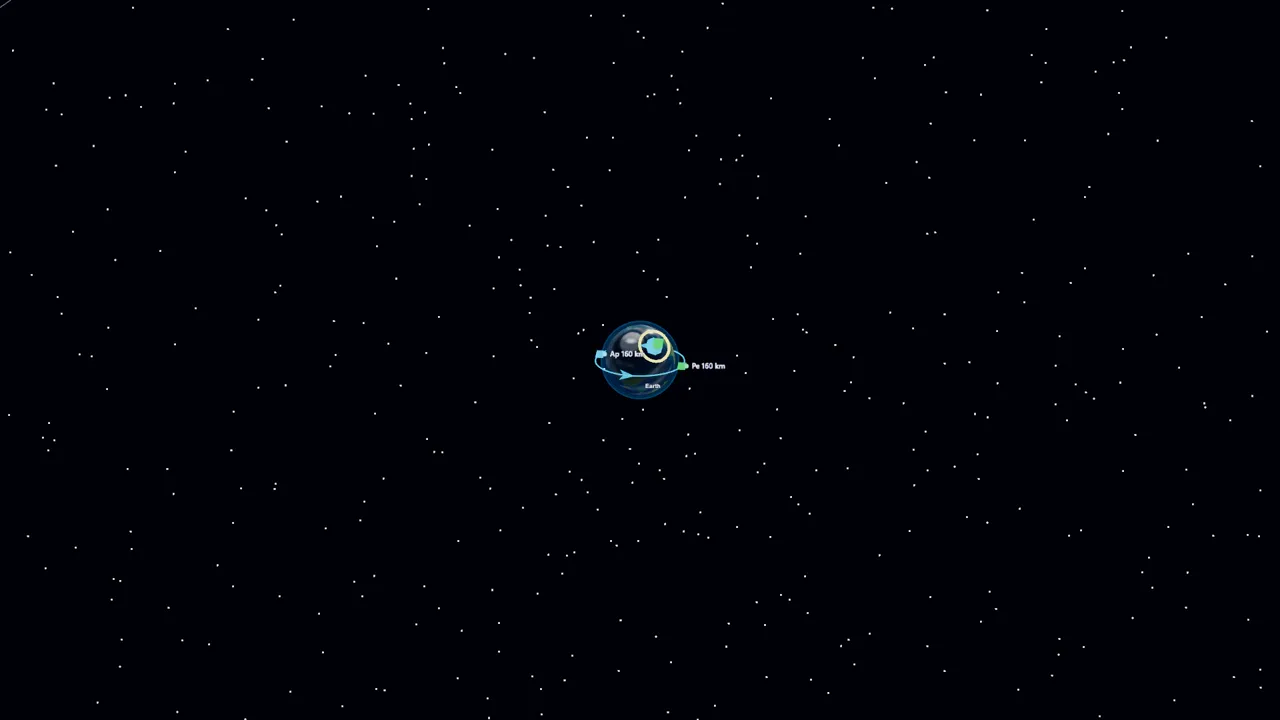 37 bodies
A rocket’s engine pushes it up. Gravity pulls it down. When the push is bigger than the pull, the rocket climbs. Today…
Gravity is the pull that keeps your feet on the ground. Every world pulls, but not every world pulls equally hard. Let’s…
When something falls, the air pushes back on it. A parachute is a big sheet that catches lots of air, so the…
A satellite makes its own electricity from sunlight, using solar panels, and stores it in a battery. As it goes around the…
Sir Isaac Newton found that a push makes things speed up (force = mass × acceleration), and that every push has an…
Mass is how much stuff something is made of. Weight is how hard a world pulls on that stuff. They are not…
Earth’s air is wrapped around the planet in layers. The higher you go, the thinner the air gets, and the temperature changes…
A moving thing has moving energy, and a high thing has height energy. Scientists add them up. When nothing pushes and nothing…
A rocket does not need to stay in place to stay up. If it moves sideways fast enough, it keeps falling toward…
Sir Isaac Newton discovered that pushing an object makes it accelerate: F = m × a. In deep space there is no…
We are in orbit, high above the air. A rocket moves by throwing exhaust one way, and the exhaust pushes the rocket…
More fuel means more speed to spend, but fuel has weight, and the engine has to lift all of it. There is…
Once a tank is empty it is only dead weight: the engine still has to lift it, and it gives nothing back.…
An engine throws its exhaust out of the nozzle. Near the ground, thick air pushes back on that exhaust. High up, there…
To reach orbit, a rocket must be mostly fuel. Every kilogram of tank, engine and cargo makes it harder. Rockets that drop…
A falling object speeds up until the air pushes back as hard as gravity pulls it down. Then the two forces balance,…
A student worksheet for every lesson, answer keys for every tier, a CER rubric, a standards map, a wall poster, a family letter and an IT quick sheet. Free with every classroom.
Bring Launchpad Flight Academy to your classroom. Book a 20-minute demo, or launch the sandbox right now. No signup needed.